Any 3D model. Your bricks.
A GPU-accelerated desktop tool that transforms STL and OBJ files into buildable brick creations — scaled to the parts you actually own, with step-by-step instructions that look like the real thing.
From mesh to manual.
Six stages turn a 3D file into something you can build on your desk with the bricks in your collection.
What it does
3D Model Import
Drop in any STL or OBJ file. The viewer shows vertex count, face count, and bounding dimensions — then renders a full interactive Three.js preview you can orbit and zoom.
Inventory-Aware Scaling
The app analyses your parts collection and suggests the optimal build size — the largest model you can make with the fewest missing pieces. Override manually if you want bigger.
Smart Brick Mapping
Greedy largest-first placement with joint staggering so seams never align. Supports SNOT building, slopes, wedges, and tiles on exposed surfaces for a polished finish.
NVIDIA CUDA Acceleration
Voxelisation and brick mapping run on the GPU via CUDA when an NVIDIA card is detected. Complex models that would take minutes on CPU process in seconds. Falls back to CPU gracefully.
Colour Modes
Choose colour-accurate (maps mesh materials to nearest LEGO colour via CIE Delta-E) or use-what-I-have (fills with owned parts while keeping colour regions consistent).
Gap Analysis
Full bill of materials with traffic-light status — green for parts you own, amber for alternatives, red for missing. Exports directly to a Rebrickable wanted list.
Build Manuals
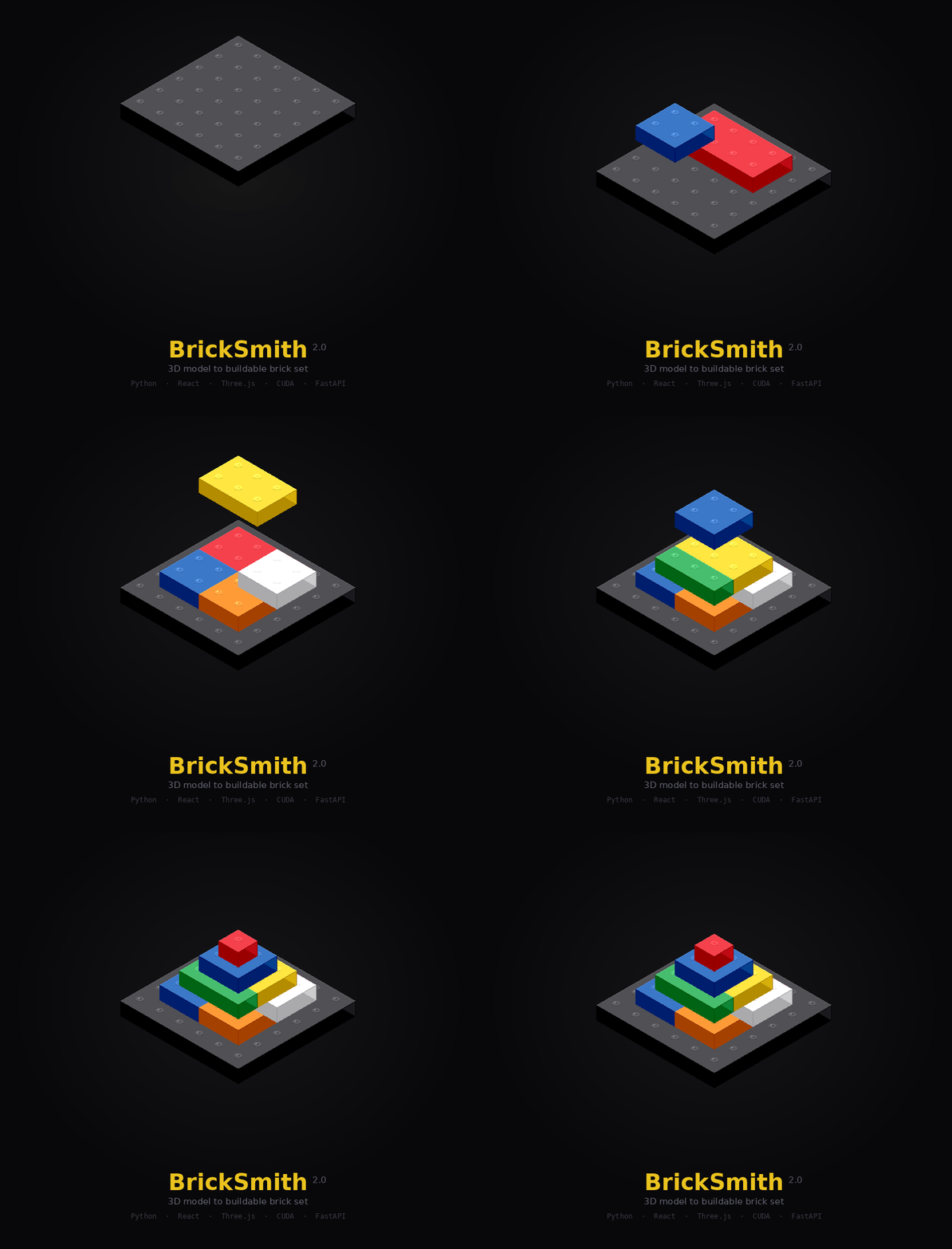
Generates professional PDF instructions with isometric views, step numbering, parts callouts, and a cover page — built to look and feel like official LEGO manuals.
Getting started
Connect your inventory
Enter your Rebrickable API key in the settings. The app syncs your full parts inventory — every brick, colour, and quantity — into a local SQLite database.
Import a 3D model
Upload an STL or OBJ file. The app renders it in a Three.js viewport and shows mesh stats. It also suggests the best build scale based on what you own.
Voxelise and map
One click converts the mesh to a stud-resolution voxel grid, then runs the brick mapper — placing real LEGO parts with structural staggering and detail techniques.
Review and build
Step through the interactive 3D viewer or export a full PDF manual. Check the gap analysis, order any missing parts, and start building.
Under the hood
Python handles the heavy computation. The browser handles the visuals.
BACKEND
Python · FastAPI · trimesh · numpy · CUDA
FRONTEND
React · Vite · Three.js · TailwindCSS
DATA
SQLite · Rebrickable API · LDraw parts
OUTPUT
PDF manual · Isometric render · BOM export
The manual
Every build generates a PDF that follows the format LEGO fans expect — cover, parts inventory, numbered steps with isometric views and callout boxes.
Selected Works


